 Sizemore Gerald
Old photographs fail in specific ways. Scratches, fading, and blur each present a different challenge. AI tools are not universal. They are specialized for distinct problems. One algorithm might fix color but ignore a deep tear. Another could sharpen a face while destroying the background texture.
This isn’t a ranking of “best” services. It’s a diagnostic guide. Match the exact type of damage on your photo to the tool designed to fix it.
Photo Damage Types That Influence Tool Choice
The first step is diagnosis. AI models are trained on narrow datasets. A scratch-removal tool sees a photo differently than a color-correction engine. Picking the wrong one wastes time. It can even make the damage worse. You must align the flaw with the solution.
Common types of photographic decay fall into clear categories. The main damage types are as follows:
- Physical scratches and surface tears;
- Color fading and tonal imbalance;
- Film grain and digital noise buildup;
- Blur caused by motion or focus loss;
- Loss of fine facial or texture detail.
Identify the primary defect. This simple act eliminates most unsuitable tools immediately. It directs you to the right technical approach.
Renew Photo
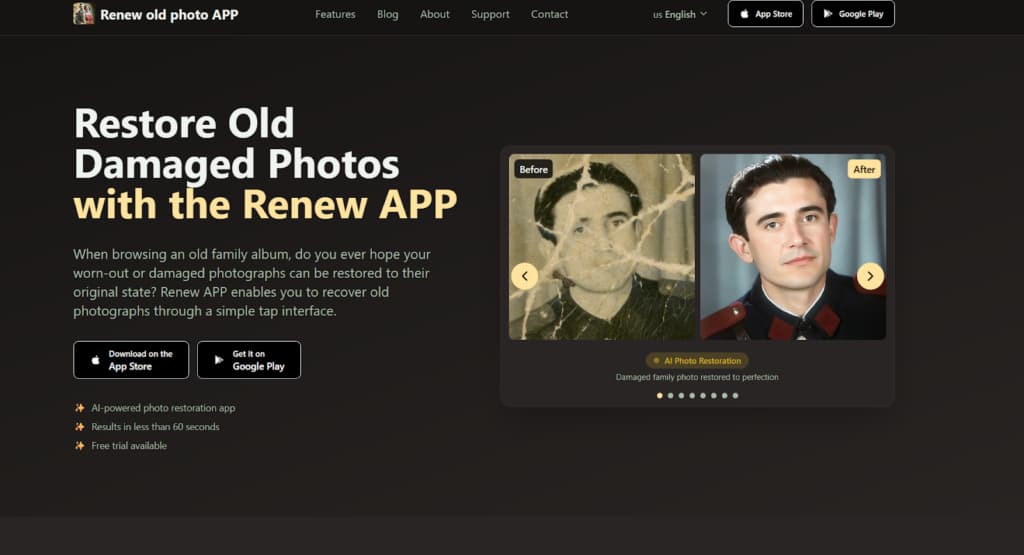
Renew Photo uses a multi-stage AI pipeline. It’s for complex, layered damage. The system runs several specialized models in sequence. One handles structure, another tackles color. This approach is built for photos with multiple, simultaneous issues. It’s an automated reconstruction workflow.
Where Renew Photo Is Most Appropriate
This tool is for severe deterioration where problems overlap. Consider it for photographs with compounded failures. The best use cases are clear:
- Old printed photos with layered damage;
- Combined fading and physical wear;
- Archival images with multiple defect types;
- Scans showing structural and tonal issues.
It’s a powerful tool for difficult cases. Not for minor touch-ups. Limitations exist, of course. The process can smooth over unique textures, replacing them with generic patterns. Very fine details might be approximated, not perfectly restored. Results are heavily dependent on original scan quality.
RetroFix
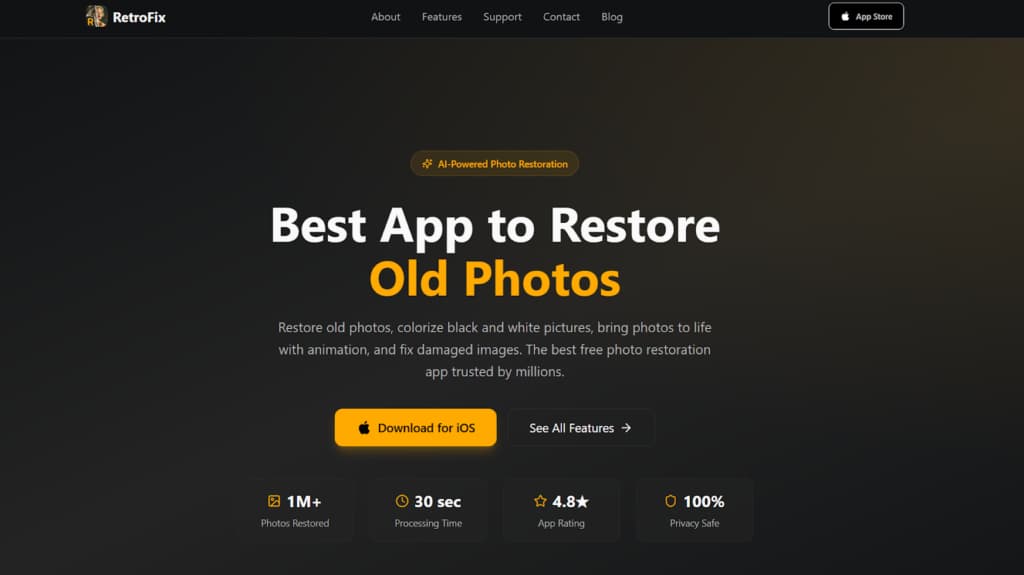
RetroFix is built for speed and simplicity with portraits. It’s a one-click, automated process. Upload a face, get a cleaned-up version fast. The AI is heavily tuned for facial features and common flaws. This makes it a straightforward choice for family photos. No technical skill is required.
Where RetroFix Works Best
The service targets common portrait restoration tasks. It’s designed for personal albums, not professional archives. It excels in specific scenarios:
- Family and studio portrait photos;
- Light scratches or dust marks;
- Basic restoration of faded colors;
- Quick enhancement without manual settings.
It’s about fast, decent results. The trade-offs are significant. Background details are often blurred or removed entirely. It handles severe physical damage poorly. Outputs can have an overly smooth, artificial look on skin and hair.
VanceAI
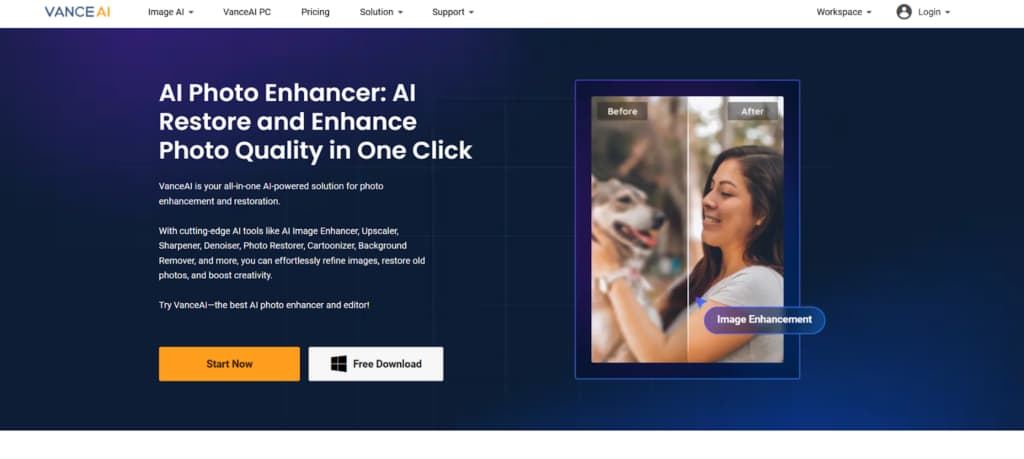
VanceAI is an automated online utility. It provides standard fixes through a browser. The process is simple: upload, process, download. It targets common, visible imperfections. This service is for quick, one-off tasks.
Suitable Use Cases
This tool works for obvious but not overly complex damage. It handles typical aging effects well. Its suitable scenarios are practical:
- Photos with visible scratches or spots;
- Moderate blur, reducing overall clarity;
- Faded tones needing contrast correction;
- General aging effects on printed images.
It’s a fast, accessible online fixer. Limitations are inherent. You get no manual controls. It can over-smooth textures. Performance on major structural damage is weak.
Topaz Labs
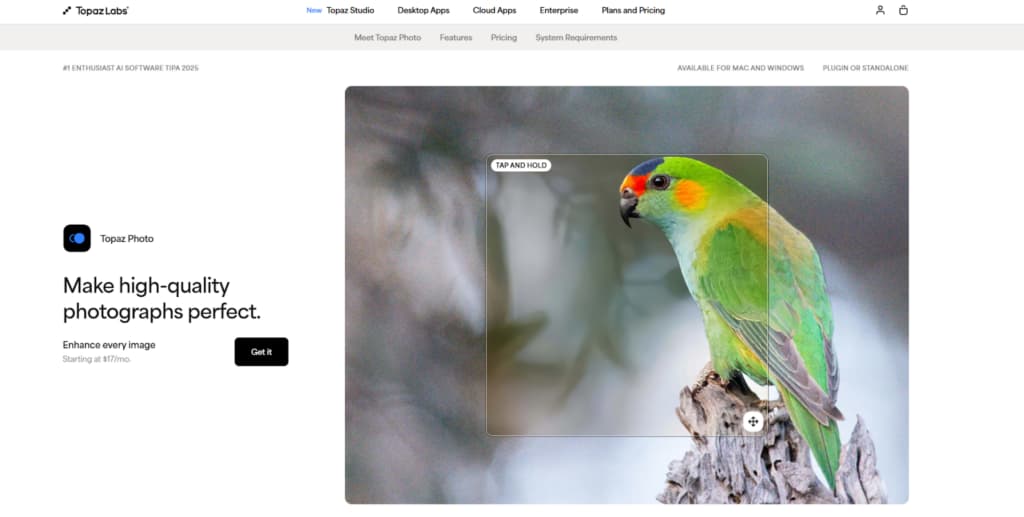
Topaz Labs is a desktop application. It focuses on detail recovery and noise suppression. This software uses local AI models requiring good computing power. It’s a specialist for enhancing clarity and sharpness.
When Topaz Labs Makes Sense
This tool is for maximizing the potential of a decent scan. It’s about finishing, not foundational repair. It makes sense for specific goals:
- High-resolution scans with visible noise;
- Photos needing detail sharpening;
- Images with soft focus or motion blur;
- Restoration requires fine texture retention.
It’s powerful for making a good scan look great. There are constraints. It needs a desktop installation and a strong computer. It’s not for repairing heavy physical damage. The learning curve is steeper than web tools.
Hotpot.ai
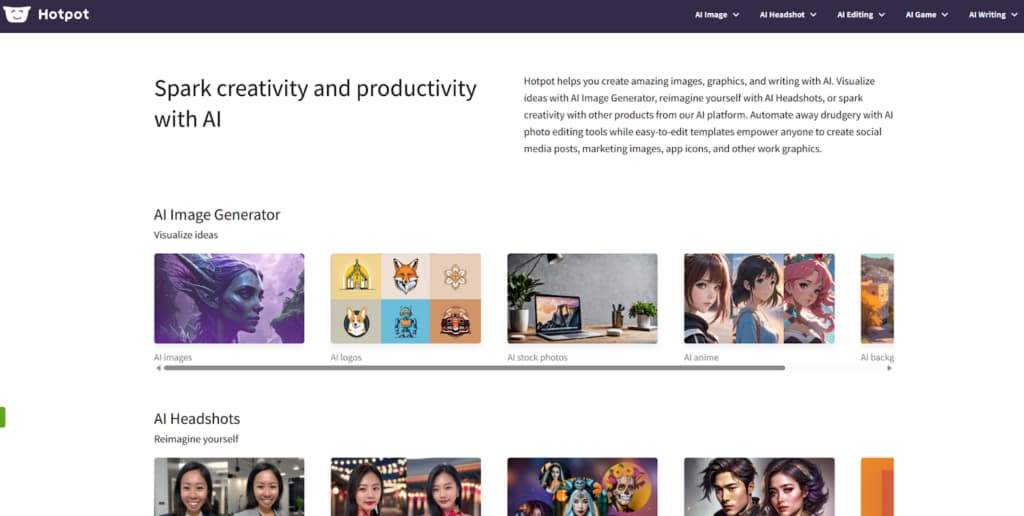
Hotpot.ai is a fast, browser-based auto-fixer. It offers minimal controls for maximum speed. The tool is for simple, surface-level problems. It’s the digital equivalent of a quick wipe.
Best Situations For Use
This service is built for immediacy, not depth. It addresses minor flaws in otherwise okay photos. Use it for these simple cases:
- Quick fixes for lightly damaged photos;
- Surface dust or minor scratch removal;
- Basic color correction needs;
- Fast processing without software setup.
It’s for speedy cosmetic improvement. Its limits are strict. Control is almost non-existent. It fails on complex defects. The output often looks artificially smooth. It’s not for archival work.
ImageColorizer
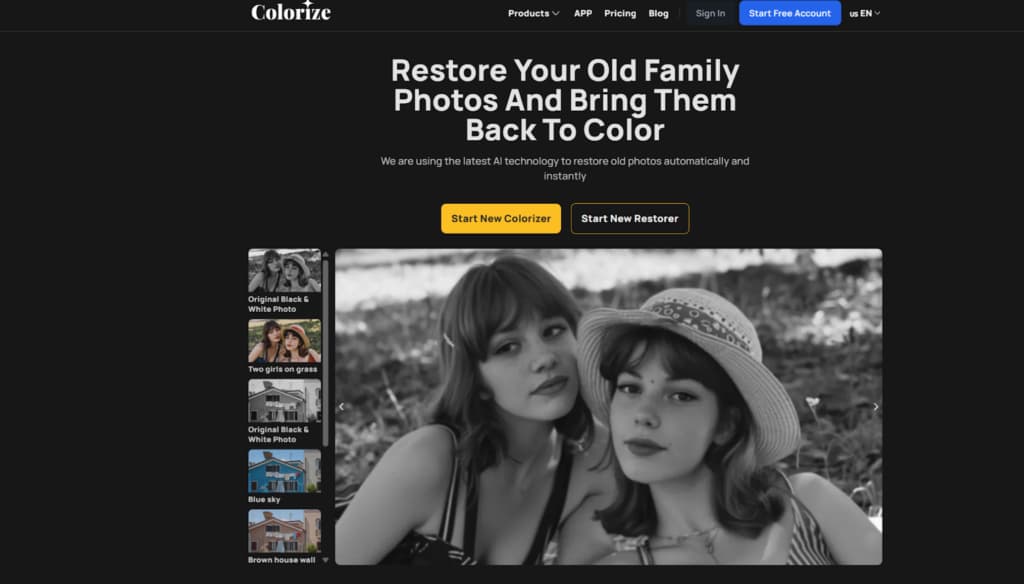
ImageColorizer is an online service focused on colorization. It adds color to black and white images with basic cleanup features. The restoration tools support the colorization process. It’s for transformation, not meticulous preservation.
When ImageColorizer Is Useful
The tool serves a niche centered on adding color. It’s a logical choice for specific creative goals:
- Black and white photo colorization;
- Light restoration of faded prints;
- Simple enhancement for social sharing;
- Quick web-based processing needs.
It’s for when believable color is the main goal. Its limitations follow from this focus. It is weak on severe physical damage. Restoration depth is limited. You have little control over the repair process itself.
Matching The Tool To The Damage
Forget finding a single best tool. Effective restoration is a matching game. It requires a cold look at your photo’s condition. Is the main issue missing data or just a lack of pop? Does it need structural repair or just a color lift? Your answers point to a category.
These tools don’t compete. They solve different problems. Using a deep engine on a slightly blurry photo is overkill. Using a quick-fix tool on a torn heirloom will disappoint. There is no universal winner. There is only the correct tool for the specific job defined by your photograph’s unique decay. Let the damage guide your choice.